
AI room design from one photo, free to try
Take a photo of your living room, bedroom, kitchen or bathroom. Pick a style. DecorAI shows you the same room, redesigned by AI.
Get it on Google Play 2 free designs · no sign-up · Android 7.0 or newer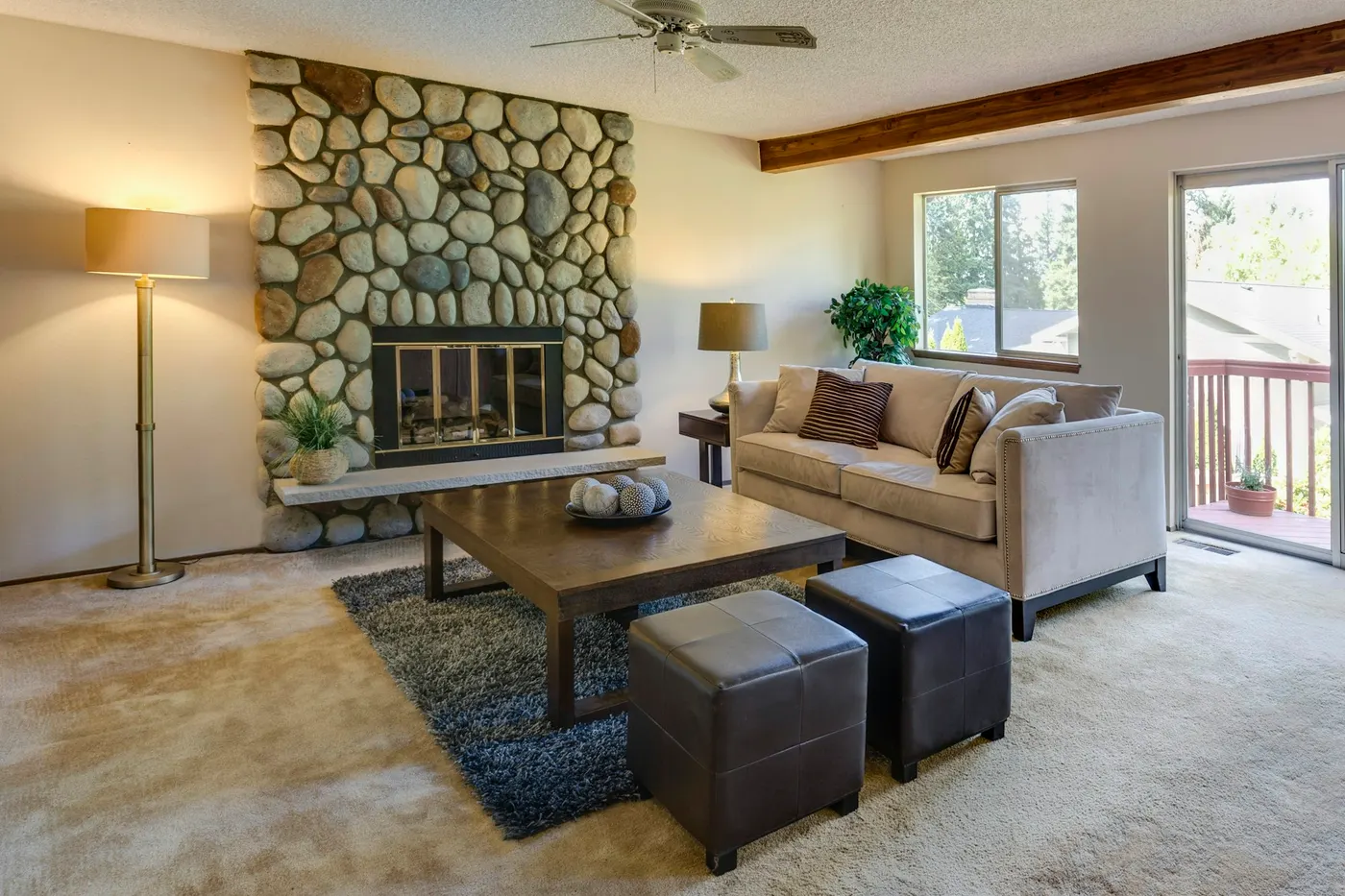
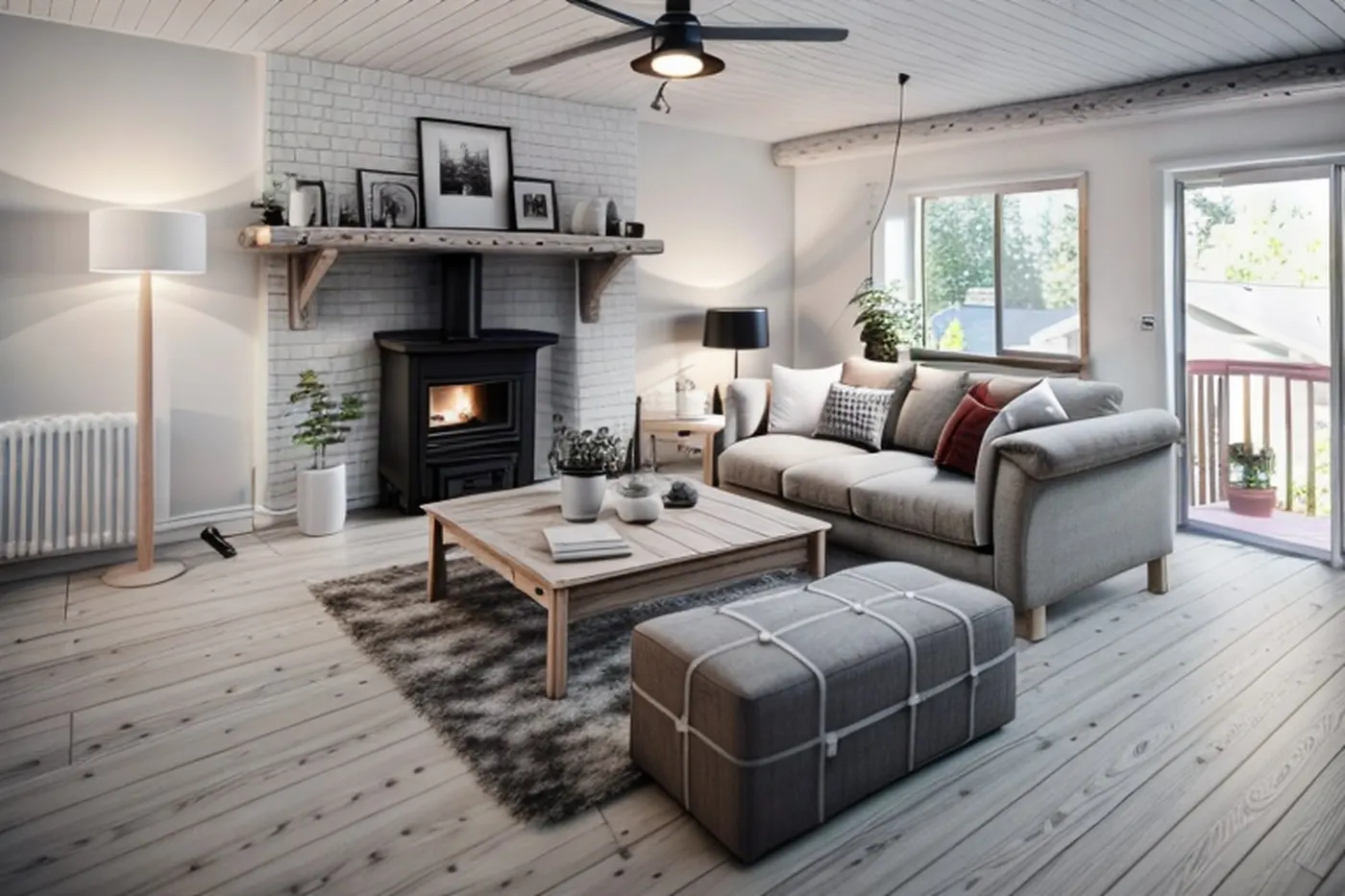 BeforeAfter · Scandinavian
What is DecorAI? DecorAI is an AI room design app for Android. You photograph a room, choose one of 15 interior styles and the room type, and the AI redraws that same room in the new style. It keeps the walls, windows and doors where they are and changes the furniture, colours, materials and decor. Your first 2 designs are free.
Real rooms, real AI results
These are not mock-ups. Each "before" is a real photo of a real home. Each "after" is what DecorAI returned, with no editing. Drag any slider to compare.
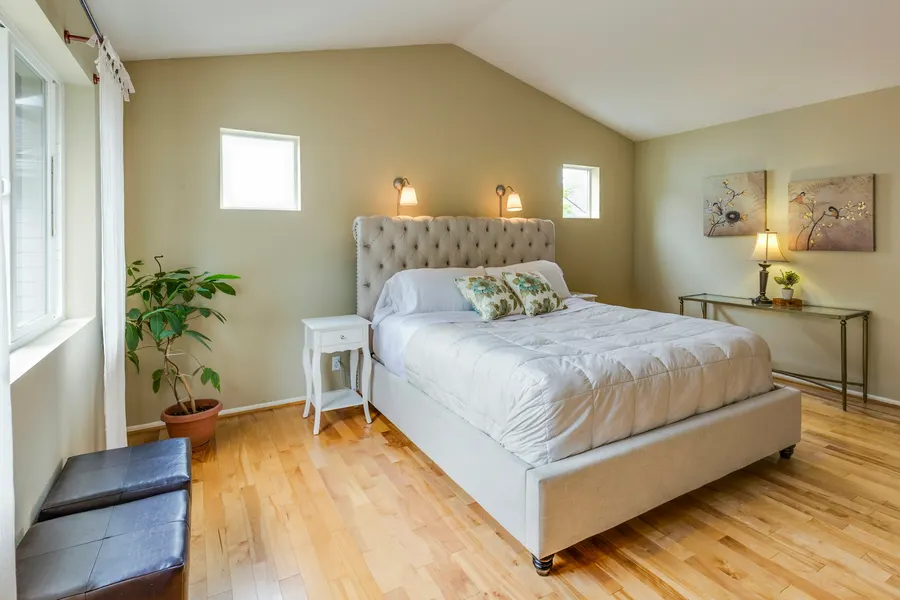
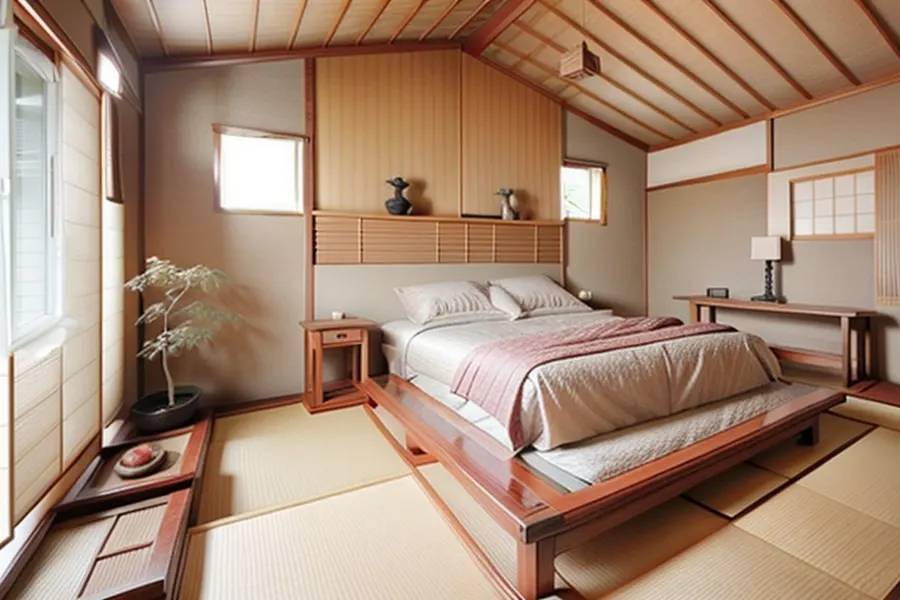 BeforeAfter
Photo: Francesca Tosolini / Unsplash
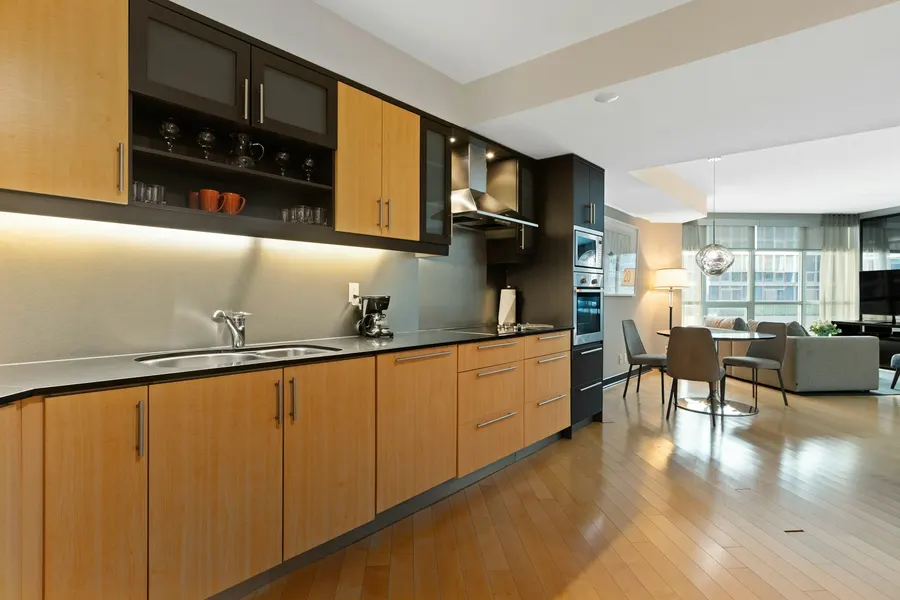
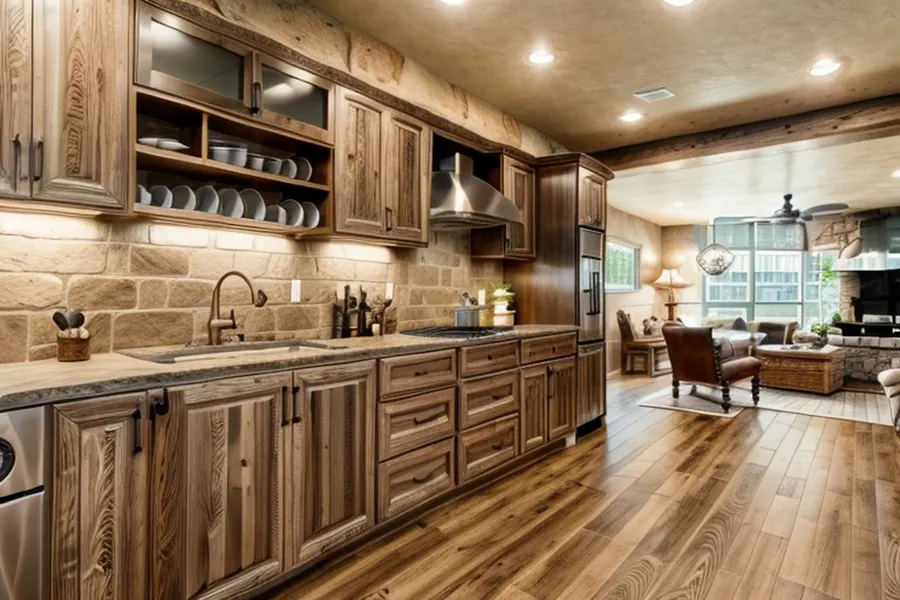 BeforeAfter
Photo: Point3D Commercial Imaging / Unsplash
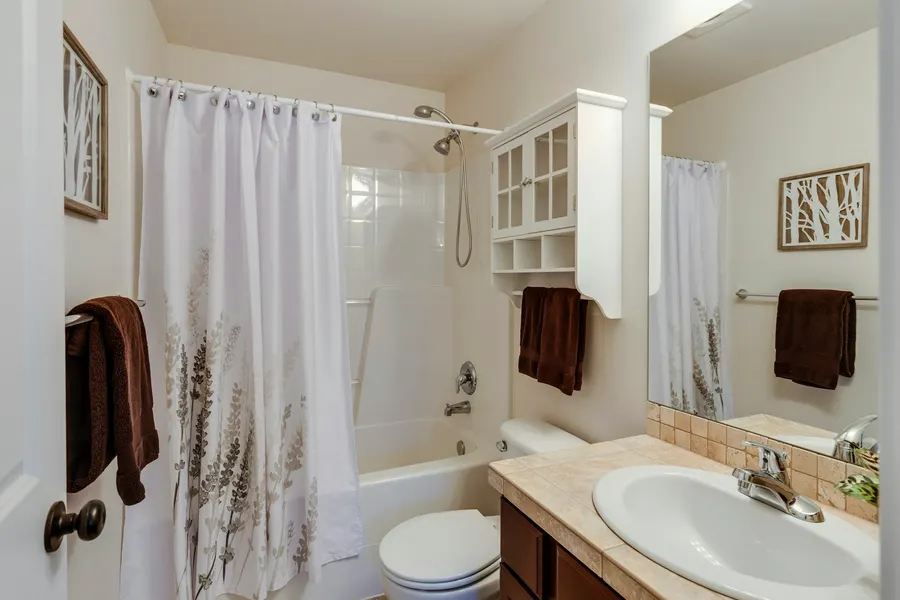
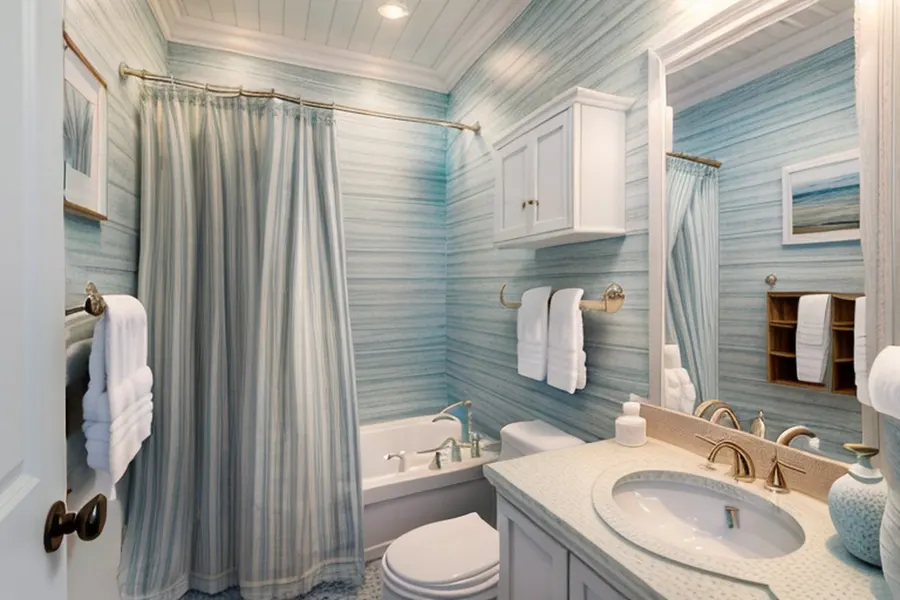 BeforeAfter
Photo: Francesca Tosolini / Unsplash
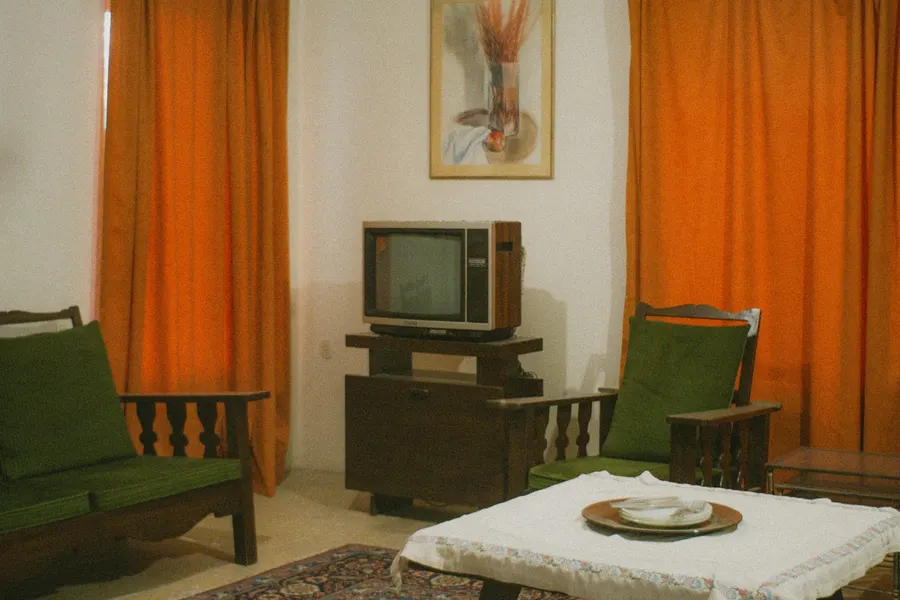
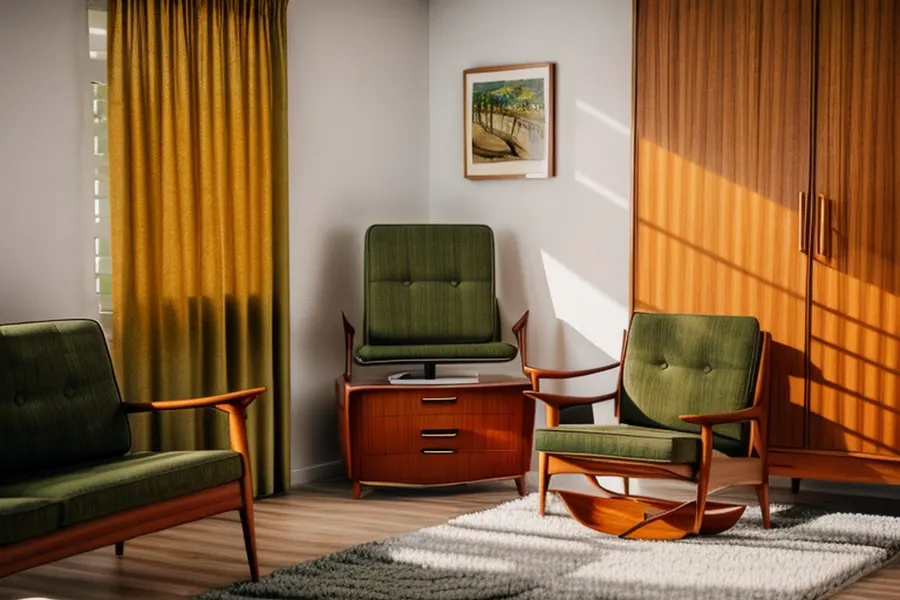 BeforeAfter
Photo: mdreza jalali / Unsplash
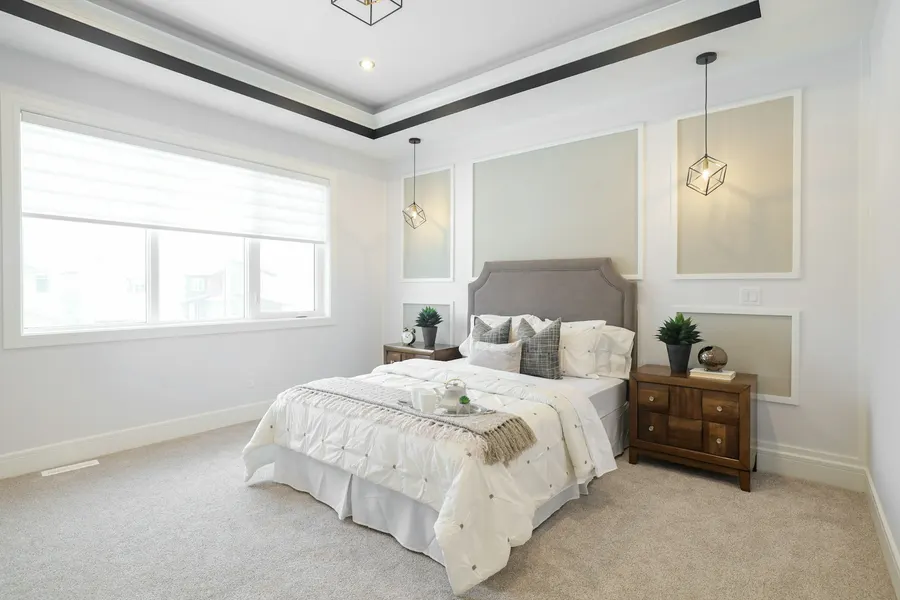
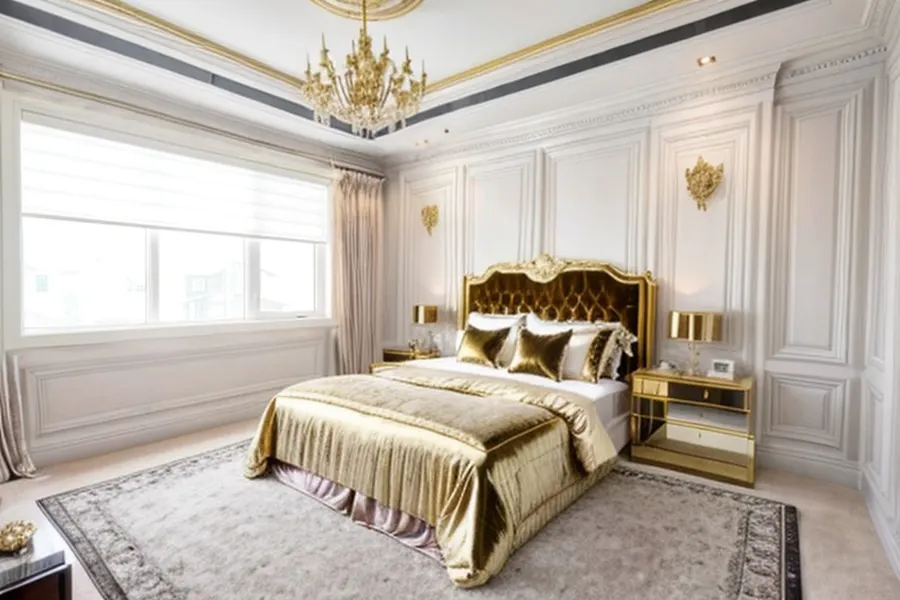 BeforeAfter
Photo: Elias Storm / Unsplash
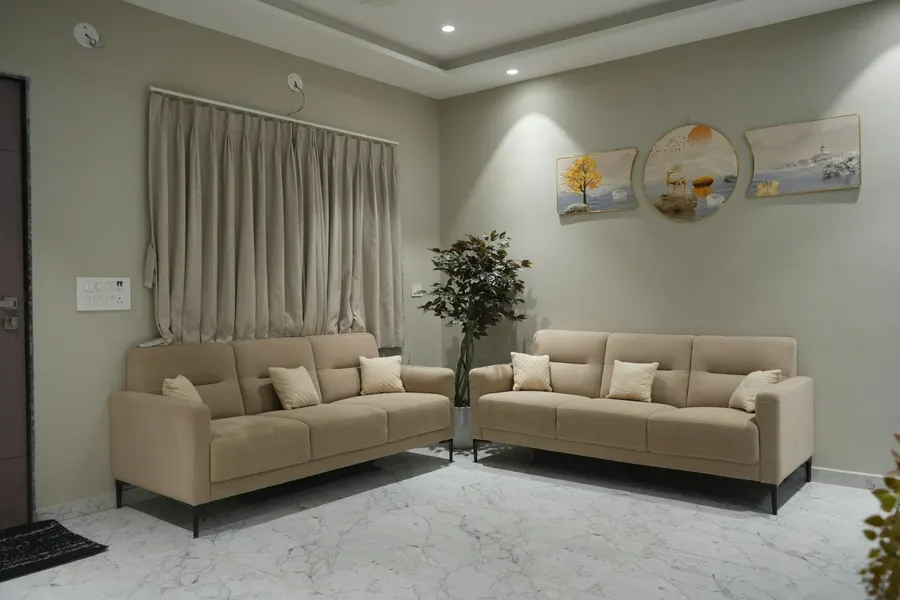
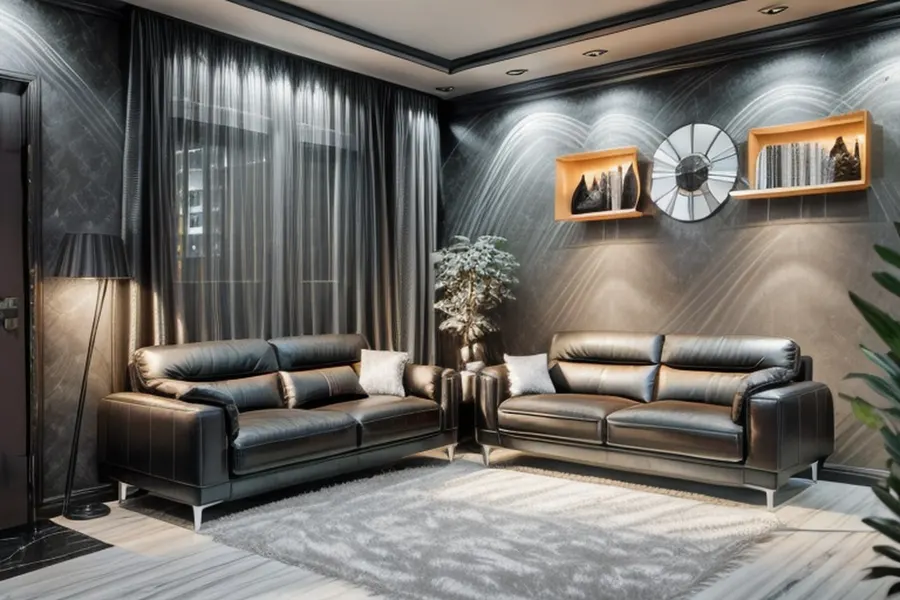 BeforeAfter
Photo: Parth Savani / Unsplash
How AI room design works in DecorAI
Three steps, all on your phone. You don't need to measure anything or build a 3D model.
Take one photo
Take a new photo or pick one from your gallery. Stand in a corner and fit as much of the room as you can, in good light, with no people in the shot.
Pick a style and the room
Choose 1 of 15 styles, then tell the app which room it is: living room, bedroom, kitchen, bathroom or hallway. The room type helps the AI pick the right furniture.
Compare and save
Slide between before and after. Every design is kept in your library, and you can download it to your phone's gallery to send to anyone. Not your taste? Try another style on the same photo.
In our own test runs the AI step took 5 to 7 seconds per design. The full wait also depends on your internet connection.
15 interior design styles to try
From calm to bold. The same photo can be redesigned in every style, so you can compare looks before you buy a single cushion.
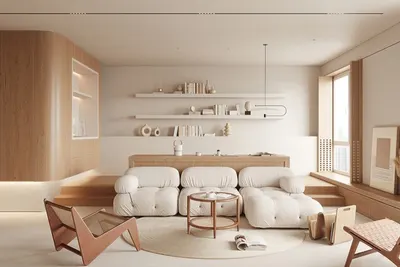 Minimalistic
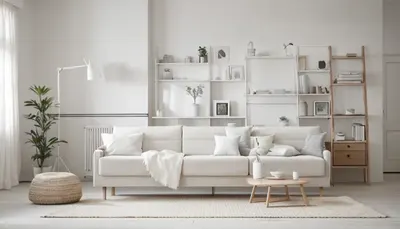 Scandinavian
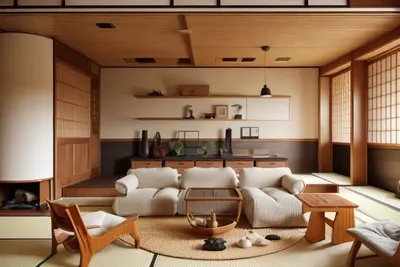 Japanese
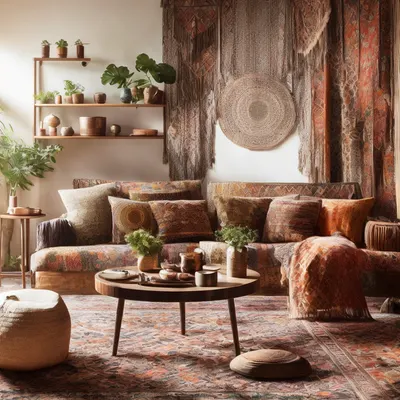 Boho
Boho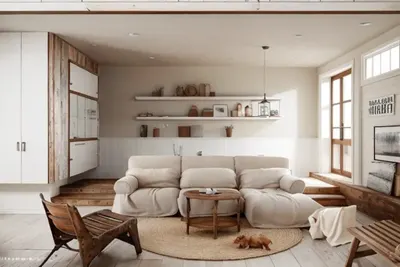 Farmhouse
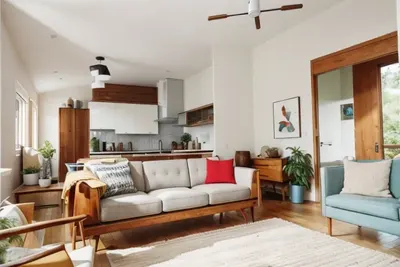 Mid Modern
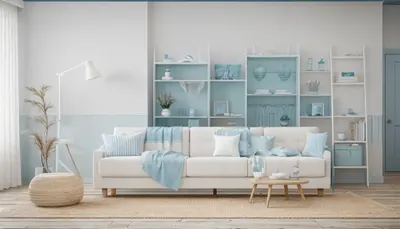 Beach
Beach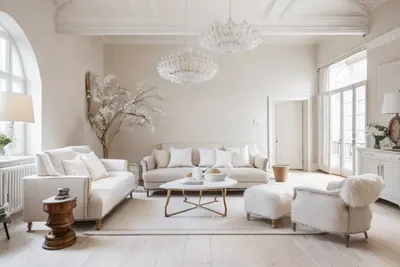 Parisian
 Neoclassical
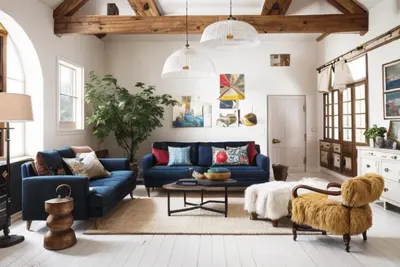 Eclectic
 Hollywood
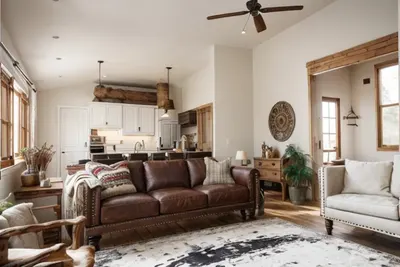 Texan
Texan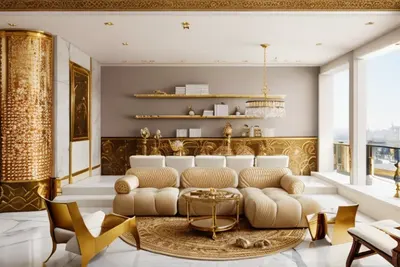 Royal Majlis
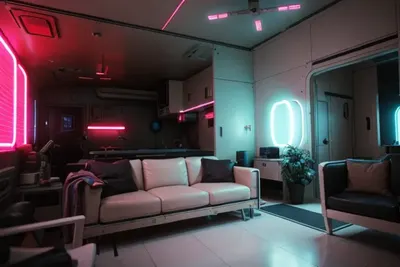 Retro Futurism
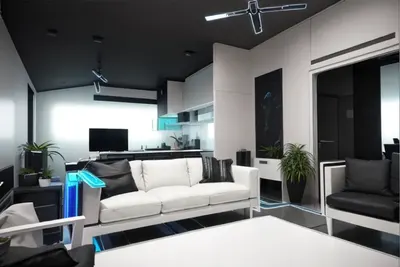 Neon Noir
Works for 5 room types
 Living room
 Bedroom
 Kitchen
 Bathroom
 Hallway
What AI room design can do
- Show your own room in a new style, so you can judge colours, materials and mood before you spend money.
- Furnish an empty room: photograph it bare and the AI adds furniture in the style you pick.
- Give you fast ideas: try 3 styles on one photo and compare them side by side.
What it can't do
- It is not a floor planner. It doesn't measure your room or tell you what fits.
- It doesn't sell real products. The furniture in a design is drawn by AI, so you won't find that exact piece in a shop.
- Results vary. The AI can invent odd details, like a window that isn't there. Try again or pick another style.
What's free, and what PRO costs
No sign-up and no card for the free designs. You only pay if you want more.
| Free | DecorAI PRO | |
|---|---|---|
| AI designs | 2 designs | Up to 20 designs a day |
| Styles and rooms | All 15 styles, all 5 rooms | All 15 styles, all 5 rooms |
| Price (US) | $0 | $3.99 a week or $24.99 a year |
| Cancel | Nothing to cancel | Any time in Google Play → Subscriptions |
Google Play shows the price in your local currency, so it can differ outside the US.
Questions people ask
Is DecorAI's AI room design really free?
Your first 2 designs are free, with no sign-up and no card. After that, DecorAI PRO costs $3.99 a week or $24.99 a year in the US and allows up to 20 designs a day.
Can AI design my room from a photo?
Yes, that is exactly what DecorAI does. Unlike an AI interior design generator that invents a room from a text prompt, it starts from your real photo, so you see your own walls and windows in the new style.
Does it work on iPhone?
Not right now. DecorAI is for Android phones running Android 7.0 or newer, on Google Play.
Do I need an account?
No. The app gives your phone an anonymous ID, so you don't enter an email or password.
What happens to my room photos?
Your photo is sent over an encrypted connection to our servers and to the AI service that creates the design. It is not used for advertising or sold. You can delete your photos and designs at any time in the app: Settings → Delete my data. Details are in our privacy policy.
Can it furnish an empty room?
Yes. Photograph the empty room, pick a style and the room type, and the AI adds furniture and decor. See an empty-room example.
See your own room in a new style
2 free designs. No sign-up. Try different styles on the same photo.
Get DecorAI on Google Play